How to Write an SOP: Free SOP Template + Step-by-Step Guide

How to Write an SOP: Free SOP Template + Step-by-Step Guide
Need to create a standard operating procedure but don’t know where to start? This guide is perfect for business owners, managers, and team leaders who want clear, easy-to-follow SOPs. You’ll learn how to write SOPs that your team will actually use, discover the essential elements every effective SOP needs, and get access to our free SOP template that saves you hours of setup time. Let’s make your processes more consistent and your team more efficient with SOPs that work.
Understanding SOPs and Their Importance
What is a Standard Operating Procedure (SOP)?
Ever tried explaining to a new team member how to do something, only to realize you’re giving different instructions than your colleague did last week? That’s why SOPs exist.
A Standard Operating Procedure (SOP) is simply a documented, step-by-step guide that outlines exactly how to complete a specific task or process in your organization. Think of it as the recipe book for your business operations—detailed instructions that anyone can follow to get consistent results.
Good SOPs aren’t just boring documents nobody reads. They’re practical tools that capture the best way to do something, written clearly enough that even someone new can follow along without constant supervision.
Why SOPs are crucial for business efficiency
Running a business without SOPs is like trying to build furniture without instructions—sure, you might figure it out eventually, but you’ll waste a ton of time and probably end up with some leftover screws.
SOPs eliminate the guesswork. When everyone follows the same process:
- Tasks get completed faster
- Training new staff becomes simpler
- Work quality stays consistent
- Mistakes drop dramatically
I’ve seen teams cut their onboarding time in half just by having clear SOPs for common tasks. And when someone goes on vacation? Their responsibilities don’t grind to a halt because others can step in and follow the documented process.
Key benefits of well-documented SOPs
The payoff for creating solid SOPs goes beyond just efficiency:
- Reduced errors: When people follow tested procedures, they make fewer mistakes
- Knowledge retention: Critical processes stay with your company even when employees leave
- Easier compliance: Meeting industry regulations becomes more straightforward
- Scalability: Growing your team doesn’t mean reinventing processes every time
- Better delegation: Managers can hand off tasks with confidence
Most businesses notice quality improvements within weeks of implementing proper SOPs. One manufacturing client cut their error rate by 64% after rolling out comprehensive SOPs for their production line.
Common SOP pitfalls to avoid
Creating SOPs isn’t rocket science, but there are some classic mistakes that can render them useless:
- Over-complication: Nobody reads a 20-page document for a simple task
- Outdated information: SOPs that don’t evolve with your business become irrelevant
- Poor accessibility: Burying SOPs in folders nobody checks means they won’t get used
- No input from actual users: The people doing the work should help create the SOP
- Ignoring context: Good SOPs explain not just how but why certain steps matter
The biggest mistake? Creating SOPs and then forgetting about them. They need regular review and updates as your processes improve.
Essential Elements of an Effective SOP
A. Clear objectives and scope
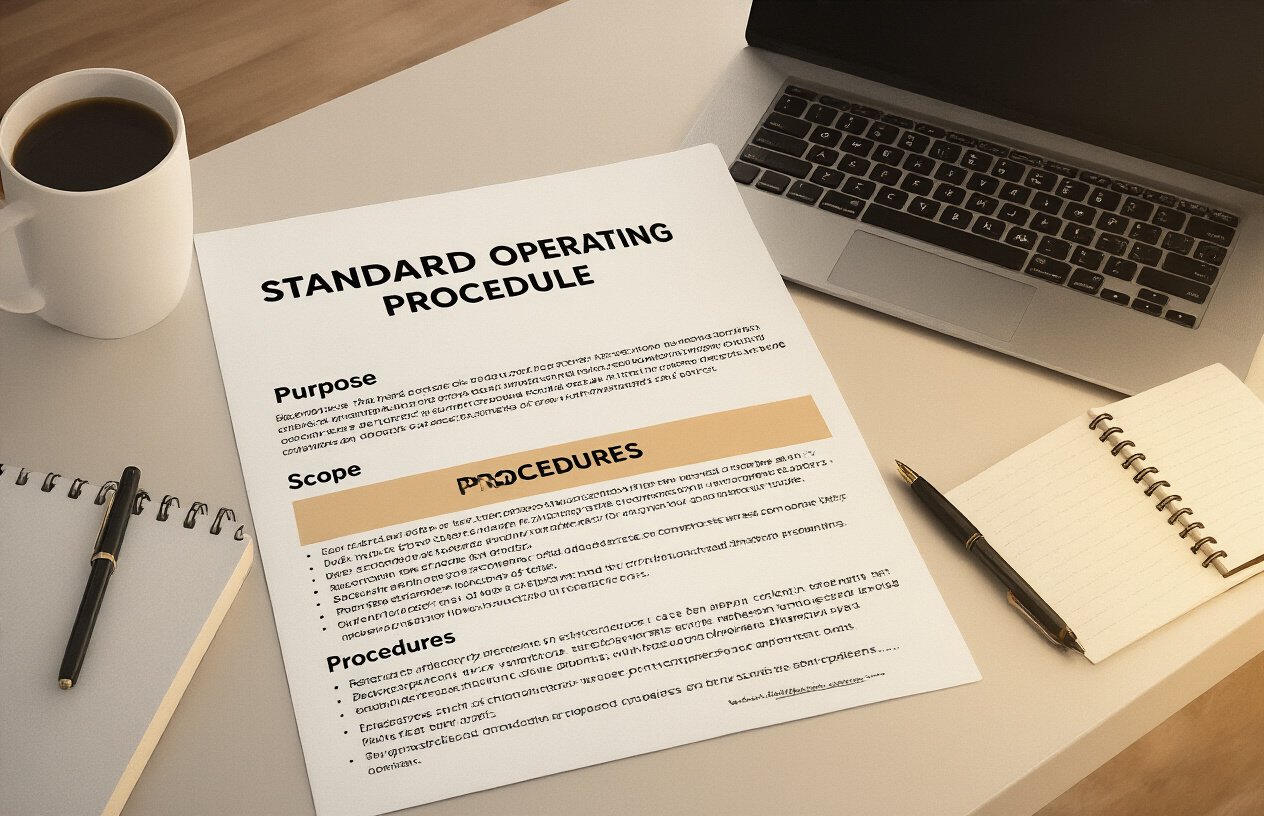
The heart of any good SOP is crystal clear objectives. What’s the point of this procedure? Who’s it for? When should they use it?
Don’t make people guess. Right up front, spell out exactly what this SOP aims to accomplish. Something like: “This procedure ensures consistent quality control testing for all incoming raw materials.”
The scope is just as crucial. It defines the boundaries of your SOP:
- Which departments should follow it
- Which situations it applies to
- What’s NOT covered (just as important!)
Without clear scope, you’ll end up with confused team members trying to apply procedures in situations where they don’t belong. That’s a recipe for wasted time and inconsistent results.
B. Step-by-step instructions
Break it down into manageable chunks. Nobody wants to read a wall of text explaining a 20-step process.
Number your steps. Each one should:
- Cover a single action
- Use active voice (“Scan the barcode” not “The barcode should be scanned”)
- Be specific about details that matter
- Include decision points (if X happens, do Y)
The best SOPs read almost like a recipe. If someone follows your steps exactly, they should get the right result every time.
C. Visual aids and diagrams
A picture really is worth a thousand words when it comes to SOPs. Screenshots, flowcharts, and diagrams can:
- Show exactly where buttons are located
- Illustrate proper equipment setup
- Visualize decision trees for complex processes
- Demonstrate correct vs. incorrect examples
People process visual information faster than text. For technical procedures especially, adding visuals can cut training time in half and dramatically reduce errors.
D. Roles and responsibilities
Nothing falls through the cracks when everyone knows their part. Clearly define:
- Who performs each step
- Who reviews or approves work
- Who’s responsible if problems arise
- Who maintains/updates the SOP itself
This section prevents the dreaded “I thought someone else was handling that” syndrome. It creates accountability and helps team members understand how their work fits into the bigger picture.
E. Required resources and tools
Set your team up for success by listing everything they’ll need:
- Equipment and machinery
- Software or systems
- Access permissions
- Forms or templates
- Protective gear
- Reference materials
Nothing kills productivity faster than getting halfway through a procedure only to discover you’re missing a critical tool. A comprehensive resources section ensures smooth execution from start to finish.
Step-by-Step SOP Writing Process

A. Identify the procedure to document
Writing an SOP starts with figuring out exactly what process you need to document. This might seem obvious, but it’s where most people go wrong.
Ask yourself:
- What task keeps causing problems?
- Which process do new employees struggle with most?
- What operation, if done incorrectly, could hurt your business?
Don’t try to document everything at once. Start with the most critical procedures or the ones causing the most headaches.
Pro tip: If you’re not sure where to begin, look at your customer complaints or internal error reports. They’ll point you straight to the processes that need standardizing.
B. Gather information from subject matter experts
Now that you know what you’re documenting, talk to the people who actually do the work. These subject matter experts (SMEs) are your goldmine of information.
Schedule time with them and ask:
- What steps do you take from start to finish?
- What problems typically pop up?
- What tricks have you learned that make this process easier?
Record these conversations if possible. You’ll catch details they might forget to mention when first explaining the process.
Don’t just talk to one person. Different team members might have different approaches, and you want to capture the best practices from everyone.
C. Draft the initial procedure
Time to get writing! Start with a rough outline of the major steps, then fill in the details.
For each step:
- Use clear, action-oriented language
- Include screenshots or visuals where helpful
- Explain not just what to do, but why it matters
Your first draft doesn’t have to be perfect. Just get the process down on paper in a logical order.
Remember to include:
- Required tools or materials
- Decision points (if X happens, do Y)
- Expected outcomes at each stage
D. Test the procedure for accuracy
The ultimate test: can someone follow your SOP without help?
Find someone who’s never done this procedure before and ask them to follow your instructions exactly as written. Watch them work through it without offering help.
Where do they get stuck? What confused them? These pain points show you exactly where your SOP needs improvement.
Make your revisions based on this feedback, then test again with another person if possible. Keep refining until even a complete newbie can follow your instructions successfully.
This testing phase isn’t optional—it’s what transforms a decent SOP into an excellent one that actually works in real life.
Free SOP Template Breakdown
Template Structure and Components
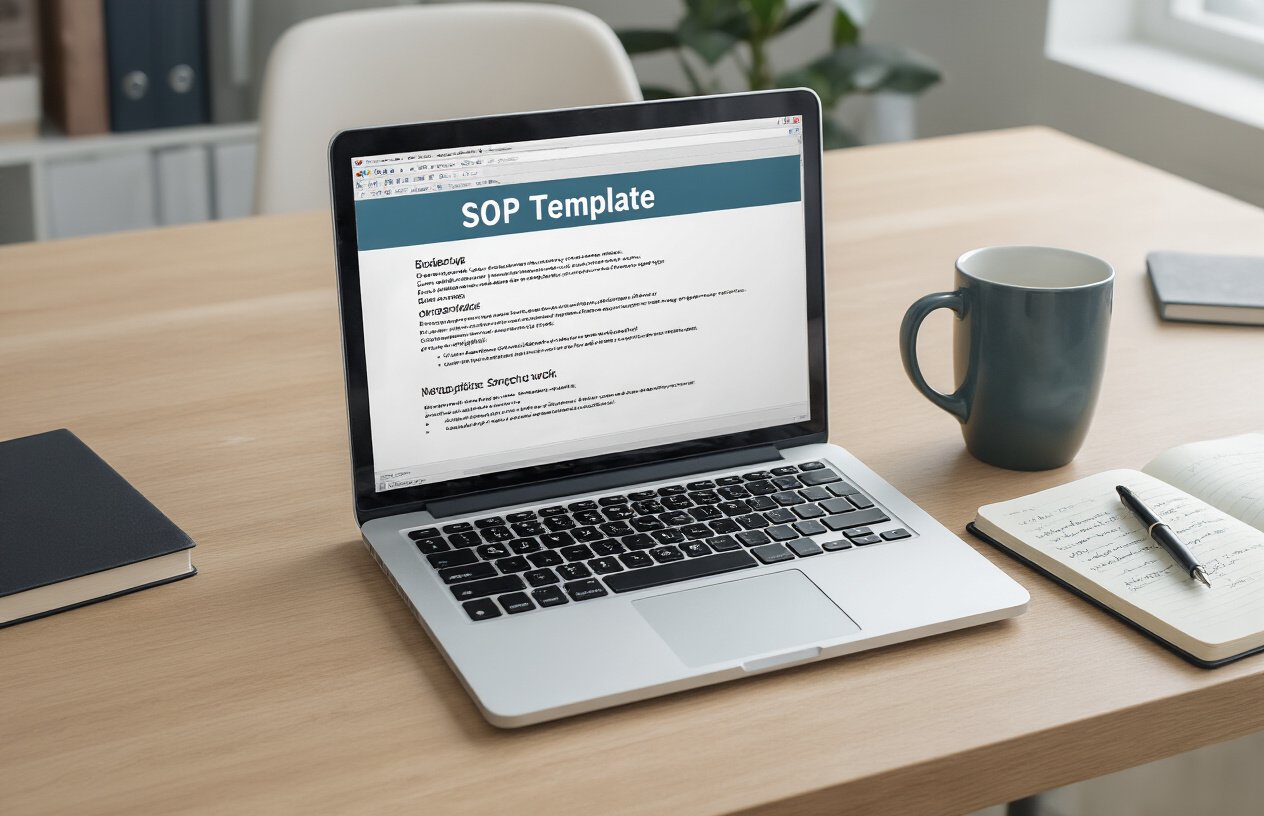
Ever stared at a blank page trying to create an SOP from scratch? Yeah, not fun. Our free SOP template saves you that headache with these key components:
- Header Section – Contains document title, SOP number, effective date, and revision history
- Purpose Statement – A brief explanation of why this procedure exists
- Scope – Clearly defines what activities and departments the SOP covers
- Responsibilities – Lists who does what in the procedure
- Procedure Steps – The meat of your SOP, with numbered, easy-to-follow instructions
- References – Related documents, regulations, or other SOPs
- Definitions – Explanations of terminology used
- Approval Signatures – Space for required sign-offs
The template uses a clean, scannable format with plenty of white space and logical flow from start to finish.
Customization Options for Different Industries
Our template isn’t a one-size-fits-all straitjacket. It’s more like a basic outfit you can accessorize for any occasion:
Manufacturing: Add sections for equipment calibration, quality checkpoints, and safety protocols.
Healthcare: Expand the compliance section to include HIPAA requirements and patient privacy considerations.
Finance: Incorporate regulatory references and audit trail documentation.
IT/Software: Include troubleshooting sections, system requirements, and technical diagrams.
Food Service: Add food safety checkpoints, temperature logs, and sanitation procedures.
The beauty is you can add, remove, or modify sections without breaking the document’s structure.
How to Use the Template Effectively
Getting the most out of this template boils down to a few smart moves:
- Start with the basics – fill in the header info first to establish document identity
- Focus on clarity in your procedure steps – use action verbs and present tense
- Add visuals where helpful – screenshots, diagrams, or flowcharts can explain complex steps
- Customize before you populate – adjust the template sections for your needs before writing
- Test it with actual users – have someone unfamiliar with the process try to follow it
Remember to keep language simple. No one’s giving out prizes for the most technical jargon or complicated sentences. Write like you’re explaining it to a new team member.
After completion, review the document with stakeholders to ensure accuracy and usability. An SOP that nobody can understand is just digital clutter.
SOP Format Options
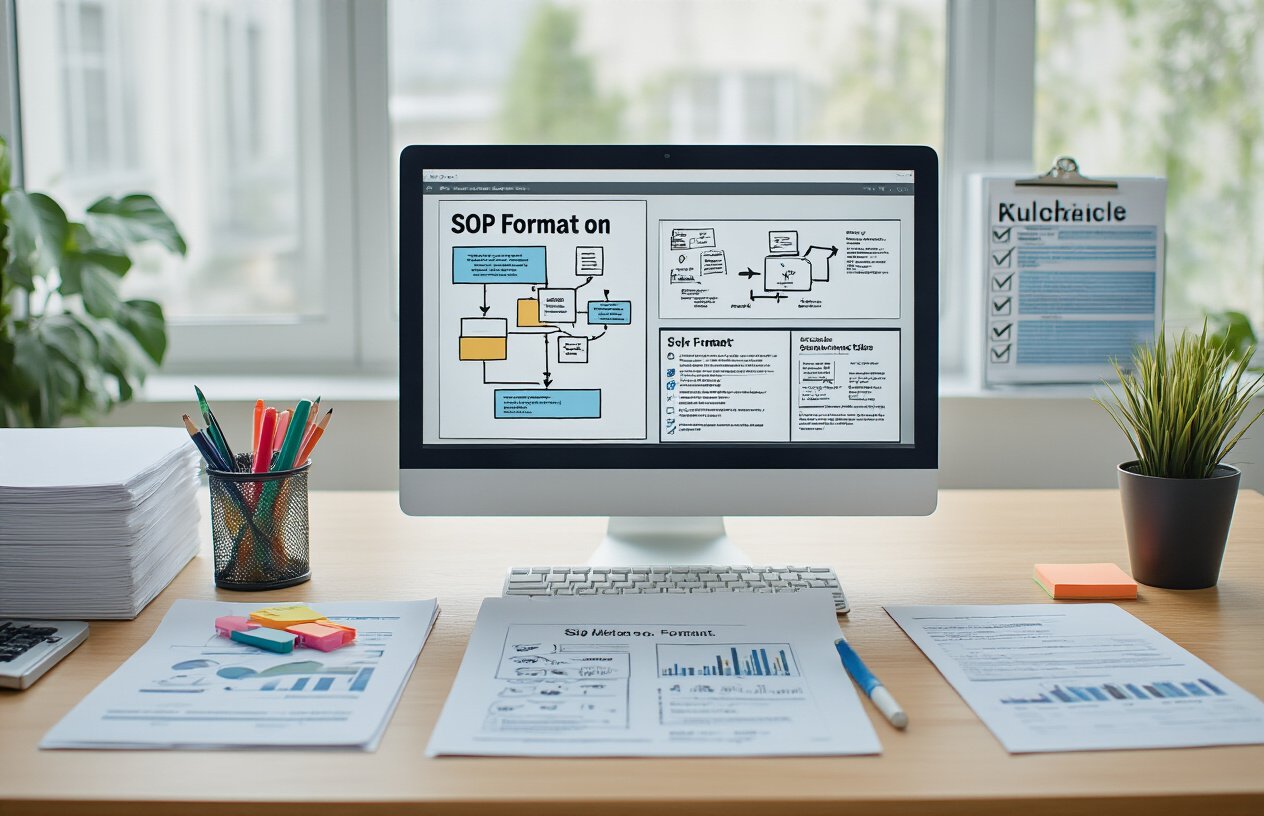
Simple step-by-step format
This format is perfect when you need a straightforward approach. It’s basically a numbered list that walks people through a process from start to finish.
- Each step gets its own number
- Steps flow in chronological order
- No branches or complex decisions
The beauty of this format? Anyone can follow it. New employees love it because there’s zero guesswork. You’re literally saying “do this, then this, then this.”
EXAMPLE:
1. Log into the customer database
2. Search for customer by phone number
3. Verify identity using two data points
4. Process the return in the system
5. Issue refund to original payment method
Hierarchical format
When your process has main steps with multiple sub-steps, the hierarchical format is your best friend. It organizes information in levels, keeping everything neat and tidy.
The structure typically uses:
- Major steps (1, 2, 3)
- Sub-steps (1.1, 1.2, 1.3)
- Detailed instructions (1.1.1, 1.1.2)
This format shines for complex procedures where some steps need extra explanation or have important sub-tasks. It creates visual organization that helps people see how everything fits together.
Flowchart format
Sometimes words alone don’t cut it. Flowcharts use shapes and arrows to map out processes visually. They’re especially useful when:
- The process has multiple decision points
- Different choices lead to different outcomes
- You need to show parallel tasks
Flowcharts make complicated procedures crystal clear. Just glance at one and you can see the entire journey from start to finish, including all possible paths.
Decision tree format
Got a process with lots of “if this, then that” scenarios? Decision trees are built for exactly that. They branch out based on different conditions or choices.
Decision trees work wonders for:
- Customer service protocols
- Troubleshooting guides
- Approval workflows
Each branch represents a different path based on specific criteria. The beauty is how they handle complexity while keeping things simple for the end user – they only follow the branch that applies to their situation.
Best Practices for SOP Implementation

Training Staff on New Procedures
Getting your team up to speed on new SOPs isn’t just a checkbox—it’s critical to your success.
The best training combines different approaches:
- Hands-on workshops where staff actually practice the procedures
- Visual aids like flowcharts that make complex processes digestible
- Peer-to-peer training to build confidence among team members
Don’t dump everything on your team at once. Break training into bite-sized sessions focusing on one procedure at a time. This prevents the dreaded glazed-over eyes.
And please, ditch the boring lectures. Nobody remembers information delivered in a monotone voice for an hour straight. Instead, try role-playing scenarios where team members act out real situations they’ll face.
Ensuring Accessibility of SOPs
Your brilliant SOPs are useless if nobody can find them when needed.
Make your SOPs available in multiple formats:
- Digital copies accessible through shared drives or cloud storage
- Mobile access for teams on the go
- Physical copies at workstations for quick reference
Organize them logically by department, function, or process type. Use clear naming conventions so people can actually find what they need without a treasure map.
Remember that accessibility also means making SOPs understandable. Cut the jargon and write in plain language that even new hires can follow.
Version Control and Document Management
Ever had five different versions of the same document floating around? Total nightmare.
Set up a solid version control system:
- Use a consistent naming format (SOP-[Department]-[Process]-v[Version])
- Include revision dates and who approved each version
- Archive outdated versions instead of deleting them
- Clearly mark the most current version
A document management system (even a simple one) saves countless headaches. It creates a single source of truth everyone can rely on.
Collecting Feedback for Continuous Improvement
Your SOPs aren’t carved in stone. They should evolve as your business does.
Create multiple feedback channels:
- Regular check-ins with the people actually using the procedures
- Anonymous suggestion boxes for honest input
- Scheduled review meetings to discuss what’s working and what isn’t
When people give feedback, actually do something with it. Nothing kills motivation faster than feeling ignored.
Track metrics related to your SOPs to spot issues—are certain procedures consistently causing delays or errors? That’s your cue to revisit and revise.
SOP Maintenance and Updates

Establishing review schedules
SOPs aren’t “set it and forget it” documents. They need regular check-ups to stay relevant.
How often should you review your SOPs? It depends on your industry, but here’s a simple framework:
- Quarterly reviews: For rapidly changing processes or highly regulated industries
- Semi-annual reviews: For moderately stable processes
- Annual reviews: Minimum frequency for even the most stable processes
Put these reviews on your calendar. Seriously, do it now. Nothing kills an SOP faster than neglect.
Pro tip: Align SOP reviews with other business cycles like quarterly planning or annual compliance checks. This makes it part of your rhythm, not an extra task.
Tracking changes and revisions
Version control isn’t just for software developers. Your SOPs need it too.
Here’s how to keep track without the headache:
- Use version numbers (2.0, 2.1, etc.)
- Maintain a change log at the top or end of your document
- Highlight what changed, why, and who approved it
Don’t rely on file names like “SOP_final_FINAL_v3_REALLY_FINAL.docx” (we’ve all been there). Use a document management system if possible.
Managing approvals for updates
Getting updated SOPs approved shouldn’t feel like pushing a boulder uphill.
Create a simple approval workflow:
- Draft changes
- Internal review by process users
- Technical review by subject experts
- Final approval by management or compliance
Remember who needs to sign off on what. For minor updates, you might not need the full approval gauntlet. Define what constitutes a “minor” versus “major” change in your organization.
The key is balance—enough oversight to ensure quality without creating a bottleneck that discourages updates altogether.
The process of creating Standard Operating Procedures doesn’t need to be overwhelming. By following the step-by-step approach outlined in this guide—from understanding the fundamental elements to implementing format options that work for your organization—you can develop SOPs that enhance consistency, quality, and efficiency across your operations. The free template provided offers a solid foundation that can be customized to meet your specific needs.
Remember that an effective SOP is never truly finished. Regular maintenance, updates, and feedback cycles ensure your procedures remain relevant and valuable. Whether you’re documenting processes for the first time or refining existing documentation, the investment in well-crafted SOPs will pay dividends through improved training, reduced errors, and standardized excellence throughout your organization.